System Cache
Scan and delete user & system caches, browser caches (Chrome, Safari, Firefox, Edge), and Photos cache.
Reclaimed
3.38 GB
A native macOS cleaner that finds caches, Xcode artifacts, large files, duplicates, and dev tool junk — then removes them safely. Everything moves to the Trash, never straight to nowhere.
Free · No account · Full Disk Access recommended
Why SandClean
Swift and SwiftUI, not Electron. Scanners run as actors with structured concurrency, so a full sweep of your disk takes seconds.
Everything SandClean removes goes to the Trash, never straight to /dev/null. Change your mind and put it back.
DerivedData, node_modules, simulator runtimes, Docker layers, Python venvs, Gradle and Cargo caches — the junk other cleaners miss.
No subscription, no account. Sparkle keeps the app up to date with signed, notarized releases.
Everything, in one app
28 scanners and tools in one native app — no Electron, no subscriptions, no telemetry.
Scan and delete user & system caches, browser caches (Chrome, Safari, Firefox, Edge), and Photos cache.
Reclaimed
3.38 GB
Delete DerivedData, Archives, Simulator devices, and unused iOS Device Support files — usually the biggest win on a developer's Mac.
Analyze Time Machine snapshots, iOS backups, iCloud cache, and diagnostic reports.
Find files >50 MB and detect exact duplicates using SHA-256 two-pass hashing.
Scan installed applications, view their sizes, and permanently remove unused ones.
Find orphaned Preferences, Application Support, Containers, and Saved State from uninstalled apps.
Clean cache from npm, Yarn, pip, CocoaPods, Swift PM, Gradle, Maven, Cargo, Go, Ruby Gems, and Pub.
Analyze Homebrew cache in detail — find old bottles, cask cache, and update outdated formulas.
Scan and delete old log files and crash reports older than a configurable number of days.
Find and delete node_modules, .build, Pods, vendor, and other dependency folders across local repos.
Remove dangling images, stopped containers, unused volumes, and build cache via the Docker CLI.
Find and remove unused .lproj language resource files bundled inside installed applications.
Find and delete unused iOS, watchOS, and tvOS simulator runtimes to free disk space.
Reclaim space from Android SDK system images, AVD emulators, and the Gradle build cache.
Find visually similar duplicate photos using a perceptual hash (dHash) across Pictures, Desktop, Downloads, and Documents.
Scan Downloads, Desktop, and Documents for files that haven't been modified in months.
Find old email attachments stored locally — safely re-downloadable from your mail server.
Locate forgotten Python virtual environments in old projects — each can be 300 MB to 1 GB+.
Scan mounted network volumes and external drives for junk files and duplicates.
Find iCloud Drive files stored locally and evict them to free up disk space.
A visual treemap breakdown of disk usage by folder and file type — see what's big at a glance.
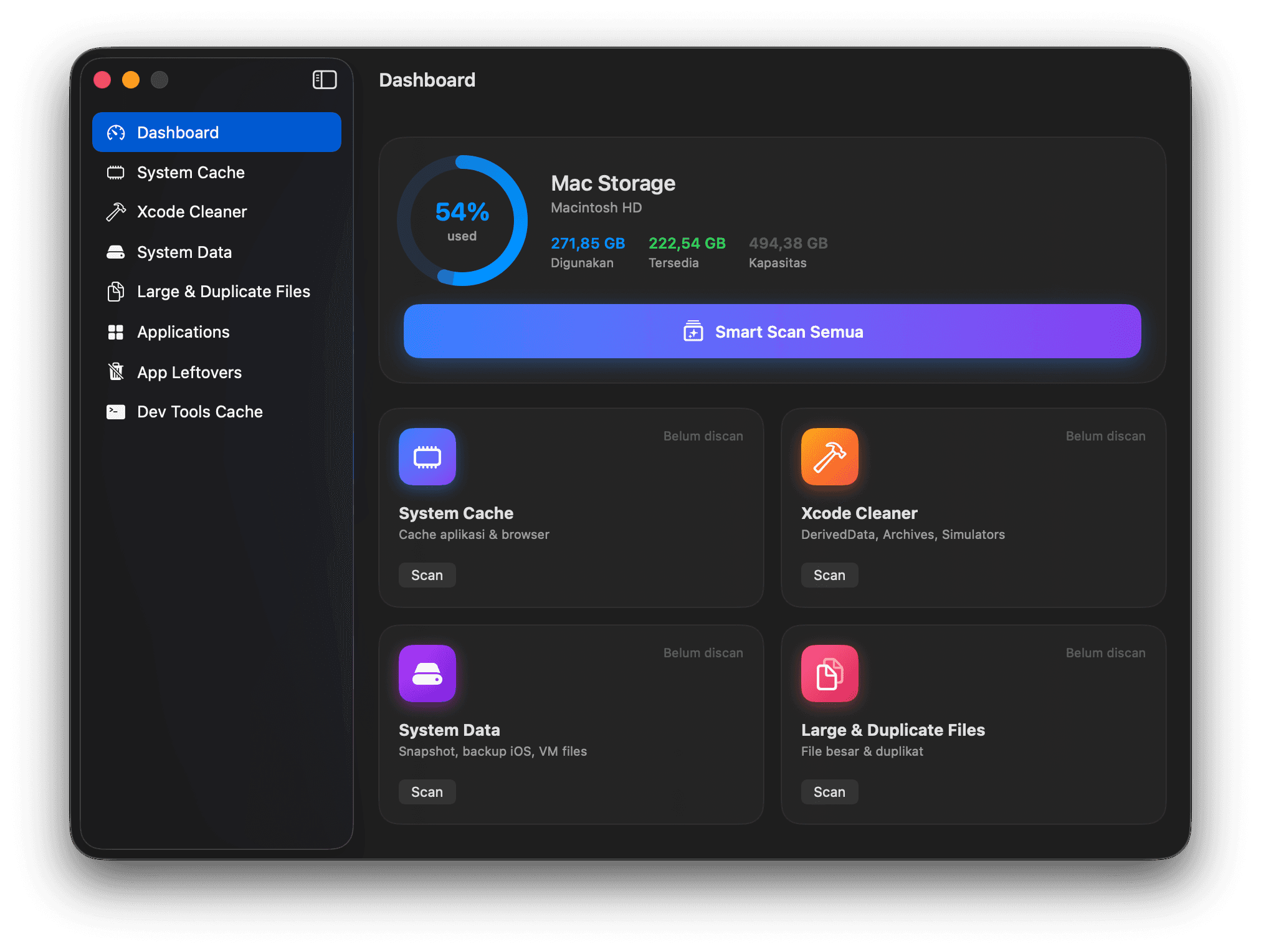
Overview of total cleaned storage, active scan results, and quick access to every scanner.
Track storage usage over time and see your cleaning history as a chart.
Detect potentially sensitive files left on disk — credentials, private keys, and old backups.
View and manage Login Items and Launch Agents that run at startup.
A full log of every cleaning session with timestamps and bytes freed.
Optional second opinion on what's safe to delete — via Apple's on-device Foundation Models, your local Claude CLI, or your own Anthropic API key.
A menu bar item showing current disk usage, with a one-click shortcut to start a scan.
A closer look
Every scanner shares the same layout: pick a category, review what it found with sizes, then clean. Scroll to browse.
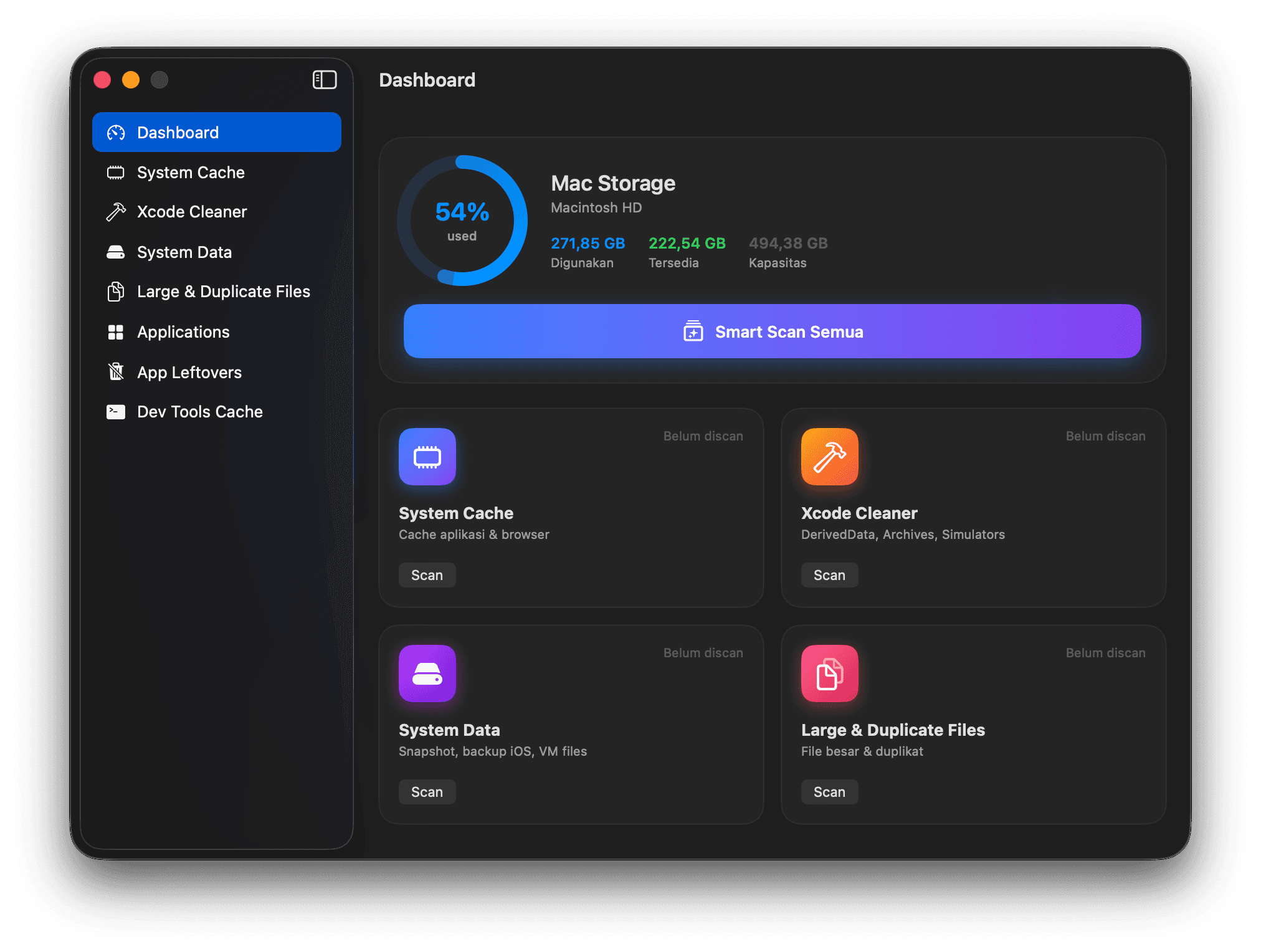
Disk usage at a glance, with every scanner one click away.
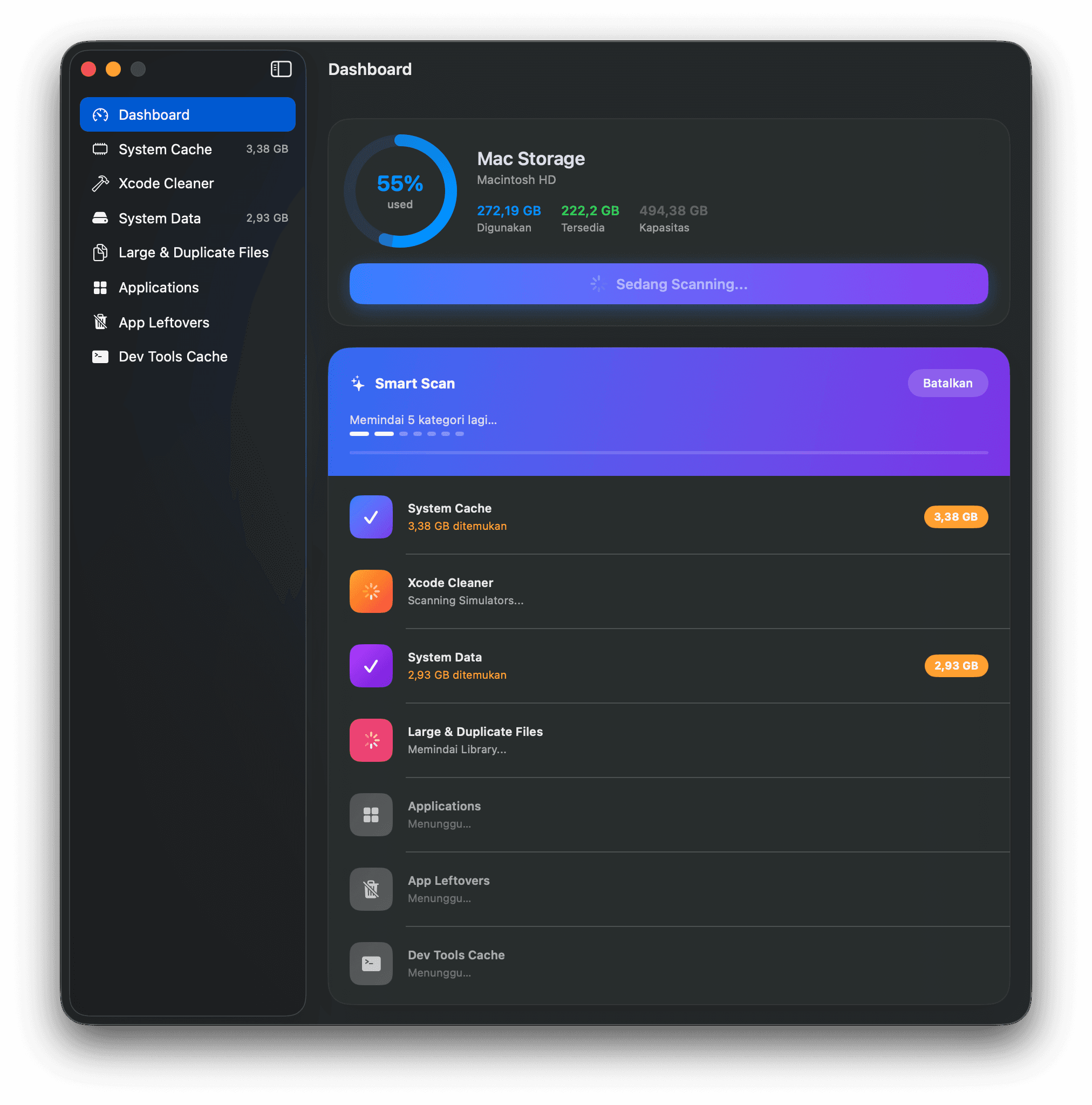
All categories scanned concurrently, reporting sizes as they land.
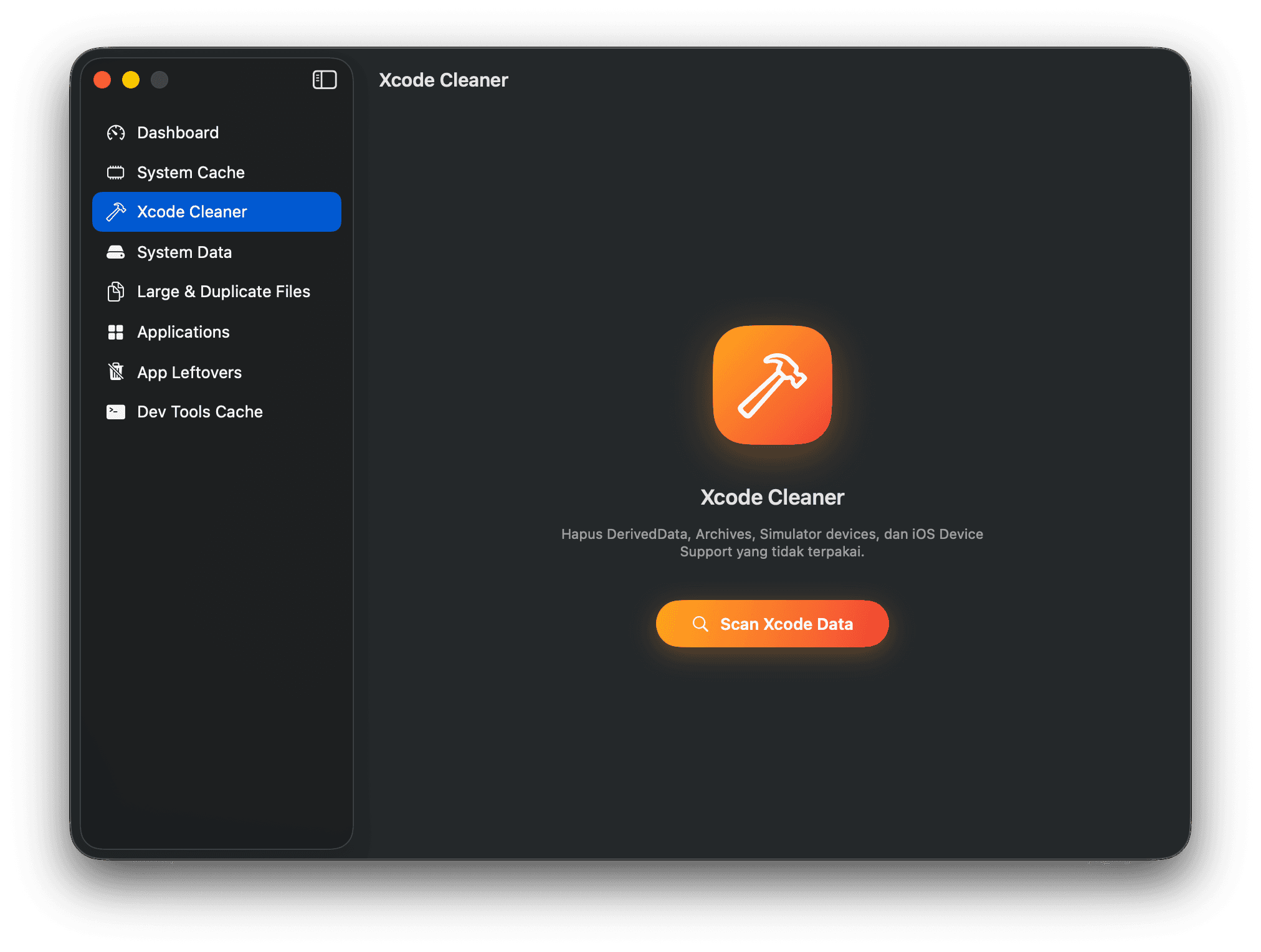
DerivedData, Archives, Simulators, and iOS Device Support.
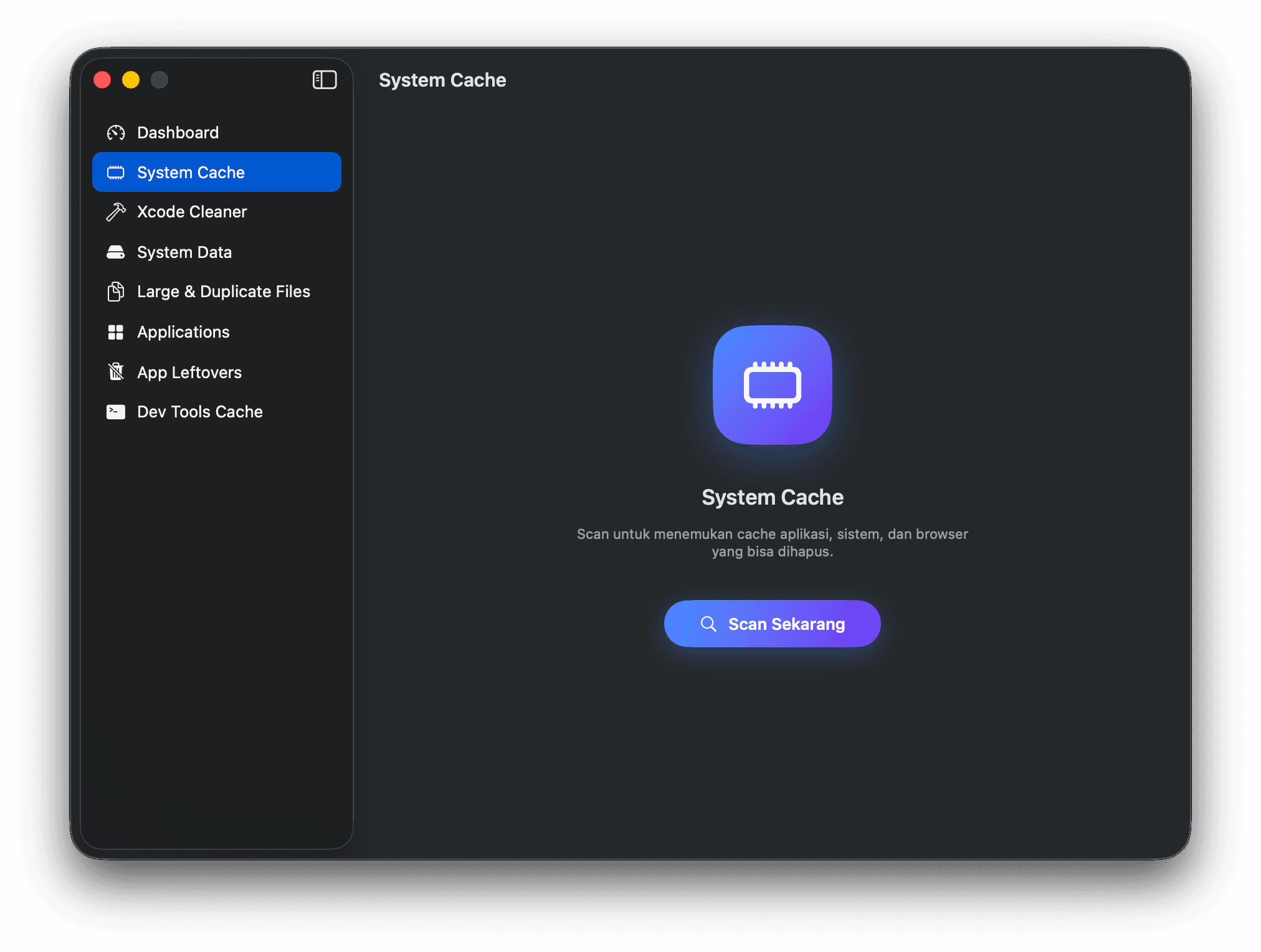
App, system, and browser caches that are safe to clear.
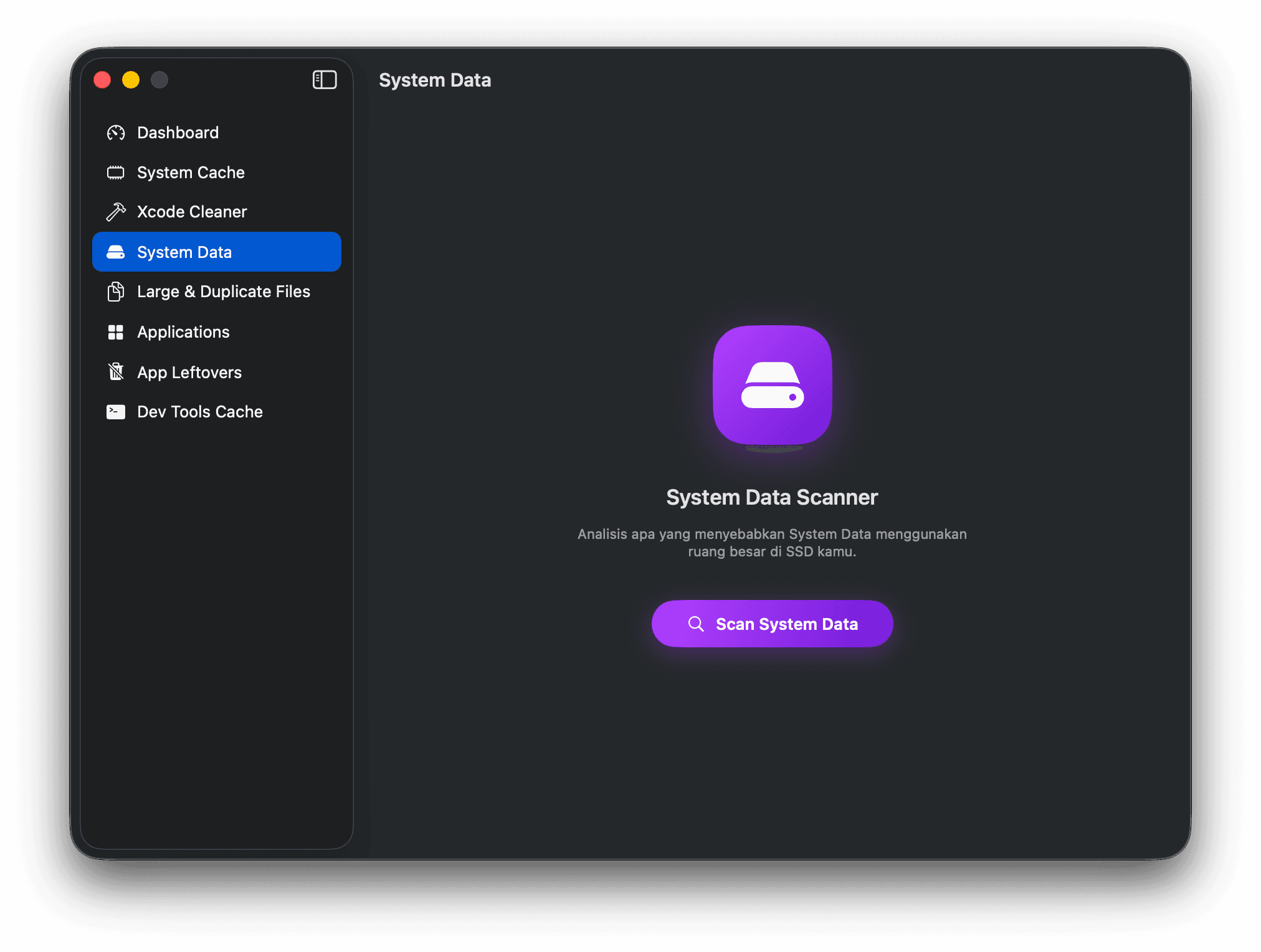
Find out what's really behind that mysterious System Data blob.
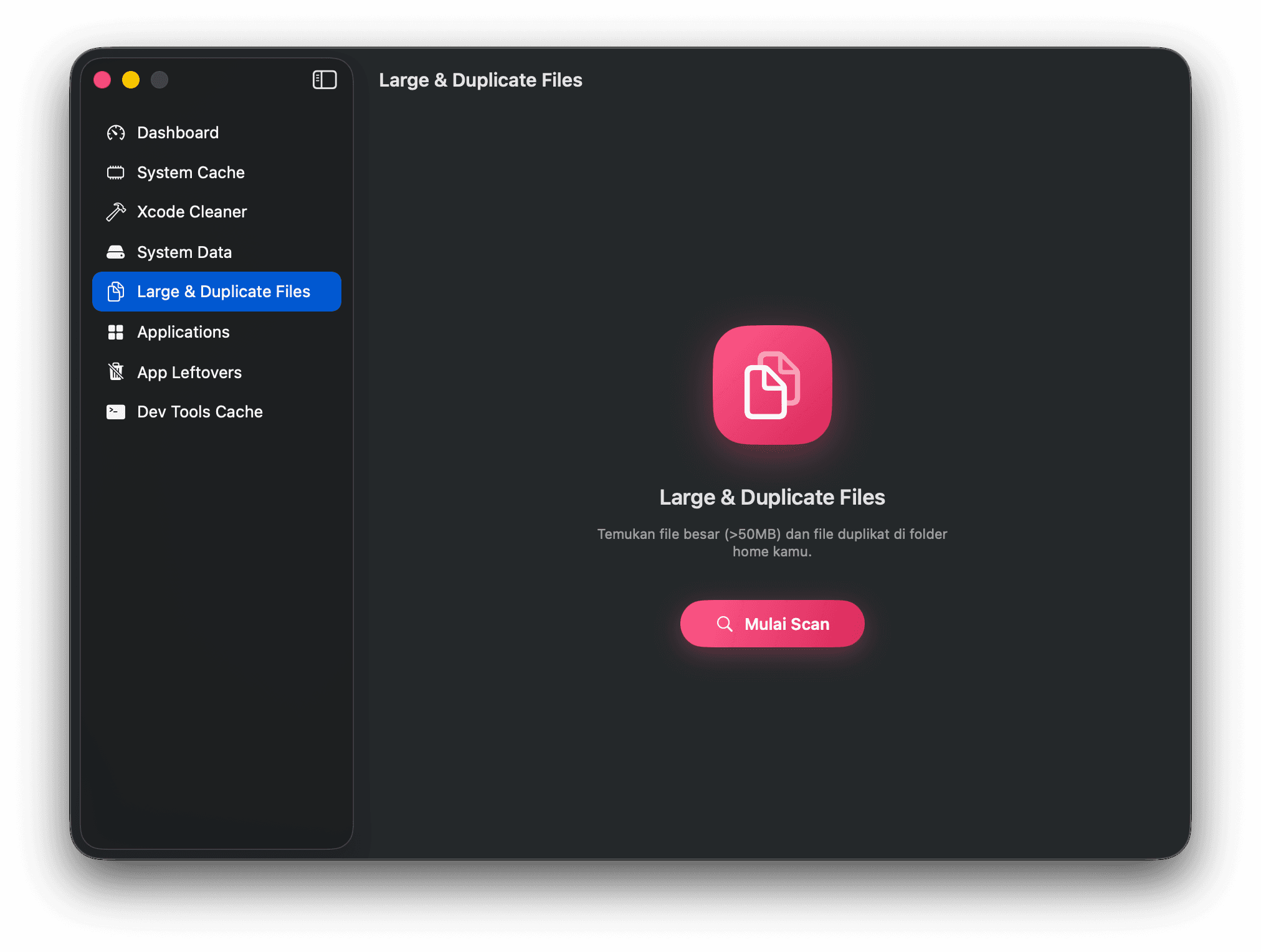
Files over 50 MB and exact duplicates, hashed with SHA-256.
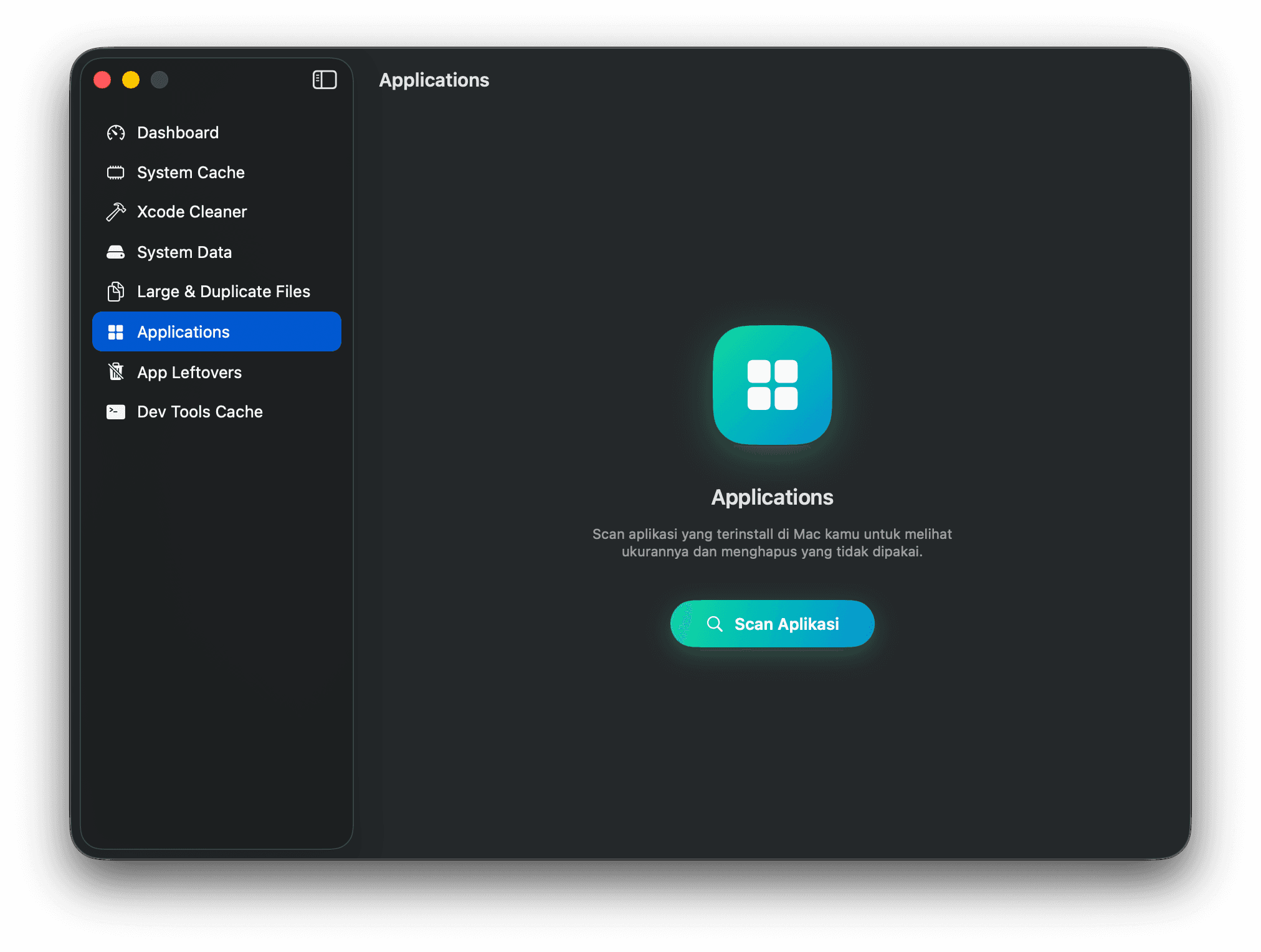
Every installed app with its real size on disk.
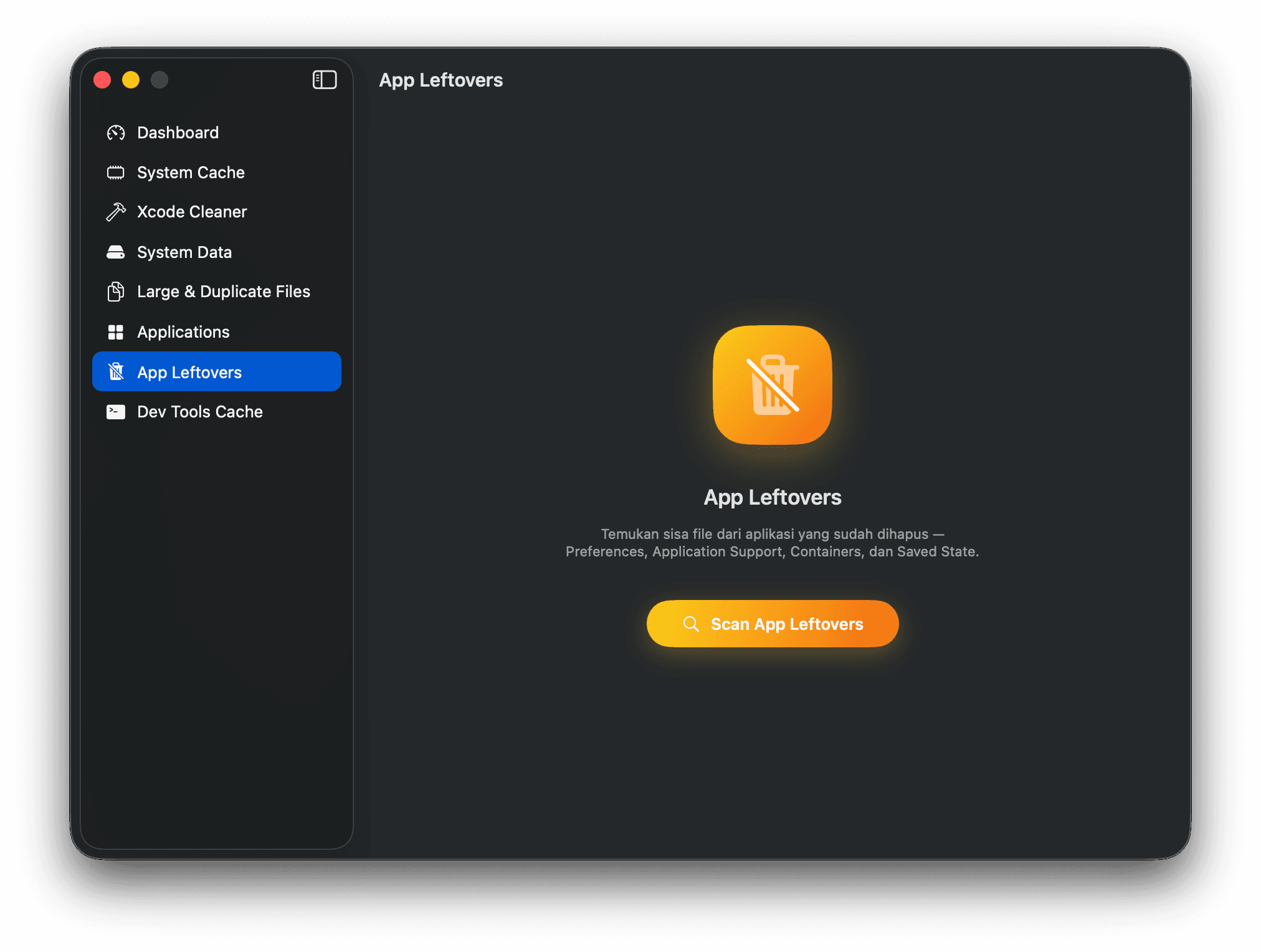
Preferences and containers left behind by apps you deleted.
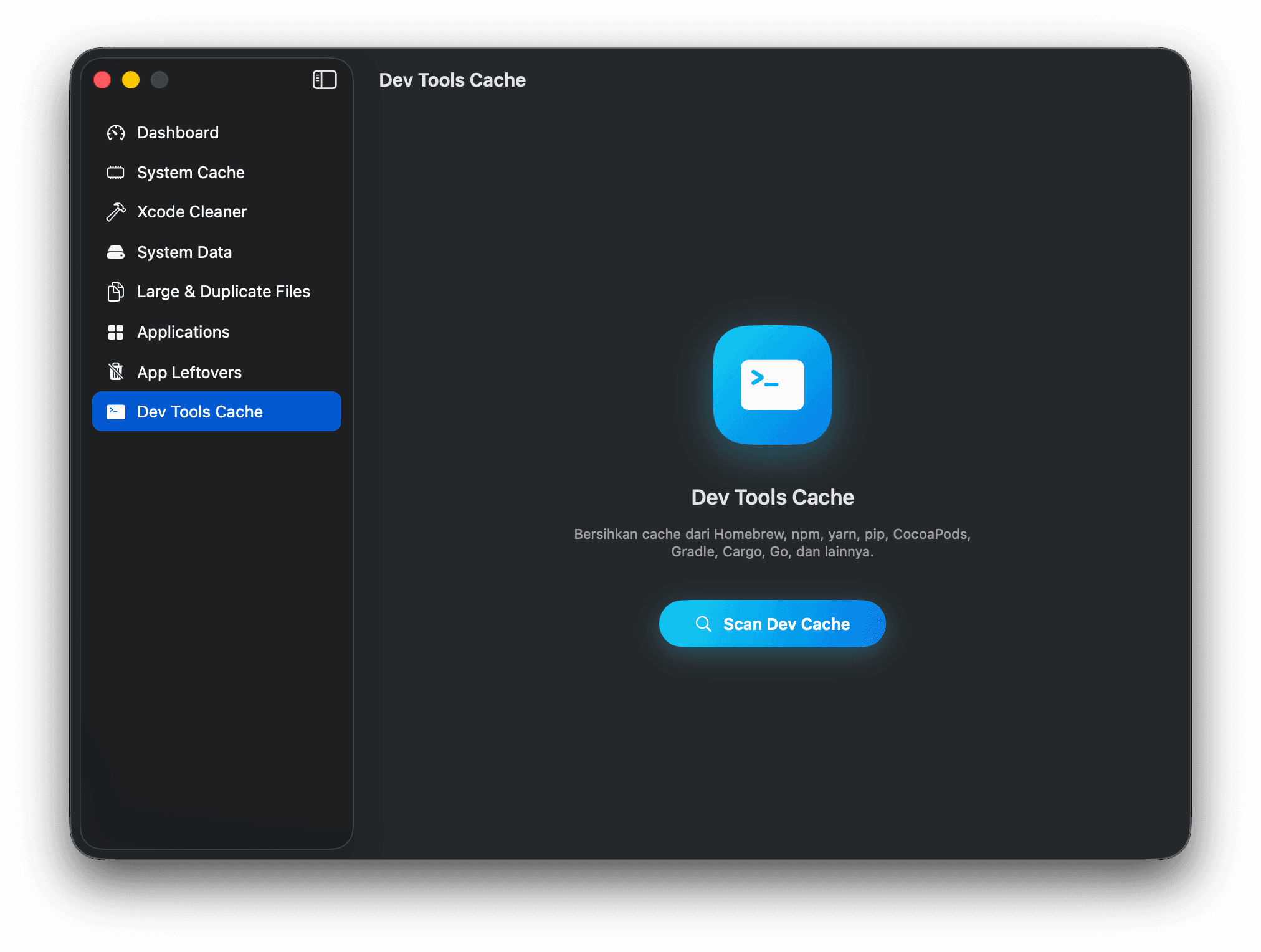
Homebrew, npm, yarn, pip, CocoaPods, Gradle, Cargo, Go, and more.
How it works
Hit Smart Scan and SandClean analyzes every category concurrently — seconds, not minutes.
See exactly what's using your storage, broken down by category with sizes. Decide what stays and what goes.
Remove the clutter in one click. Everything moves to the Trash — nothing disappears without your say-so.
Built for macOS
SandClean is Swift and SwiftUI end to end — MVVM with actor-based scanners and structured concurrency — and it reaches the rest of the system the way a native app should.
Live disk usage in the menu bar, with a one-click scan shortcut.
Right-click any folder to scan it with SandClean, or add it to your exclusion list.
A desktop widget tracking your storage and the results of the last scan.
A bundled CLI: sandclean scan --category xcode --dry-run --json, plus history and version.
Signed, notarized in-app updates — no App Store round trip.
An in-app toast in the foreground, a system notification in the background.
Safe & private
There is no SandClean server. The app reads file metadata locally to work out what is safe to remove, and what it removes lands in the Trash so you can always change your mind.
Read the full Privacy Policy →Questions
Yes. SandClean is free, with no subscription, no in-app purchases, and no ads. It's distributed as a signed and notarized DMG.
macOS protects folders like ~/Library, Mail, and Time Machine snapshots. Without Full Disk Access those areas are invisible to SandClean, so scans come back much smaller than the junk you actually have. You can grant it in System Settings → Privacy & Security → Full Disk Access.
Every scanner targets caches, build artifacts, and leftovers that macOS and your tools regenerate on demand. Nothing is selected for you blindly — you review each category and its size before cleaning.
Yes. Cleaned items are moved to the Trash rather than deleted outright, so you can restore them until you empty it. The only exceptions are operations delegated to another tool's own CLI, such as Docker prune.
SandClean uses Sparkle. It checks a signed appcast, and updates are verified with an EdDSA signature before they install — so an update can only come from the real developer.
macOS 13 Ventura or later, on both Apple Silicon and Intel.
No. All scanning and cleaning happens on your Mac and there is no SandClean server. The only exception is the optional AI Analysis feature, which you trigger explicitly.
Only the path and size of up to ten items you selected — never file contents. On macOS 26 it defaults to Apple's Foundation Models, which run entirely on-device. You can also point it at the Claude CLI installed on your Mac, or your own Anthropic API key stored in your login keychain.

Download SandClean, run a Smart Scan, and see what your Mac has been hiding.
Free · macOS 13 Ventura or later